§ 01
You start with a sentence
The composer is the one from chat. You describe one idea — a shed the street already has, a loaf club, a fact you want a model to remember — and send it. While cognira Retrain works, you get the same waiting state as a reply: the mascot turns, the line shimmers through “thinking”, and if the machine is busy you see the queue.
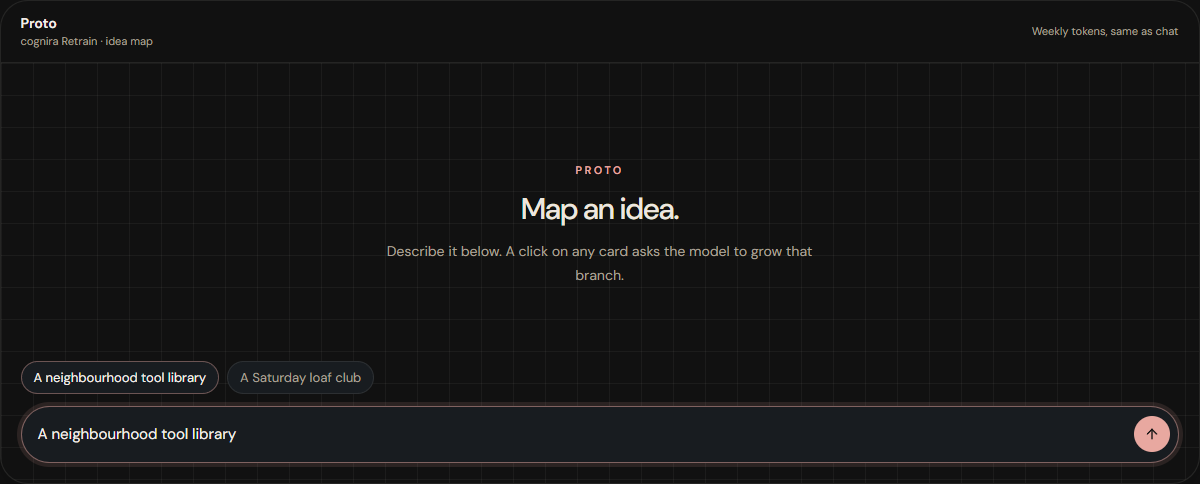
§ 02
Edit a card. Branch it when you want more.
The first reply is four to six branches, specific to that idea. Click a card to change its name or the sentence under it — that stays on this browser and does not call the model. Right-click the card and choose Branch when you want children. Only that card is sent back, with the path that got you there. The others stay put. The map stops four steps out from the centre so it remains something you can still read on one screen.
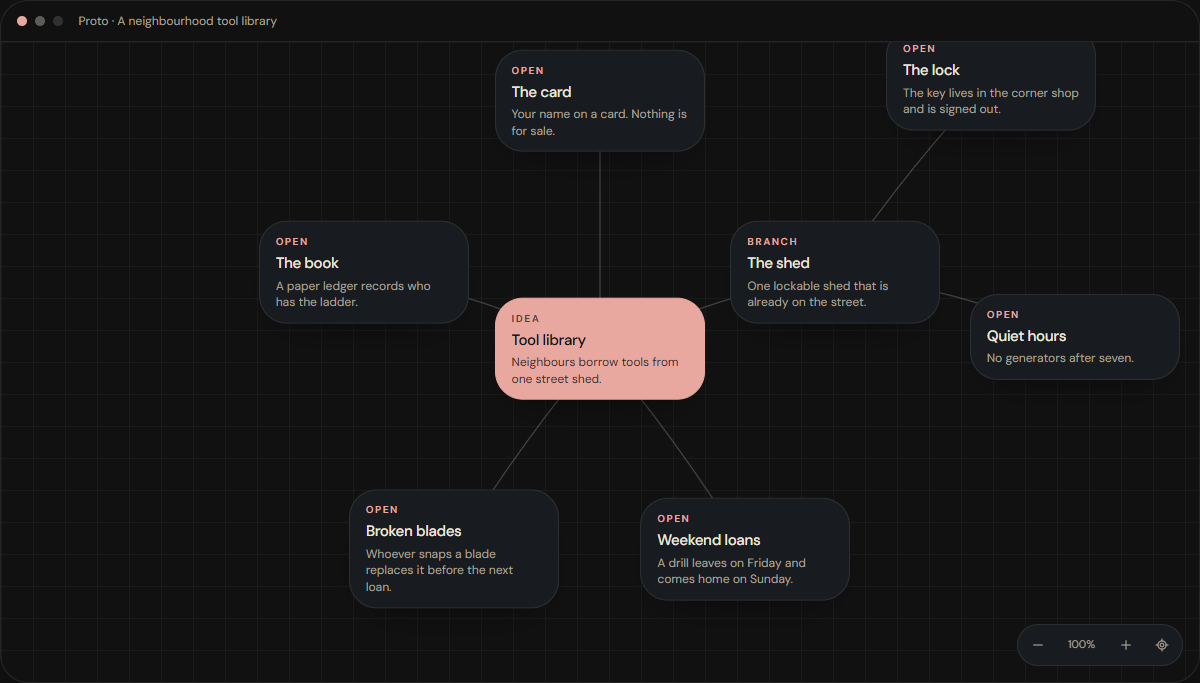
If the reply is a paragraph, or a single lonely branch, Proto does not invent the rest. You get a message and the grid stays as it was.
§ 03
It spends the week you already have
There is no second meter. A new map and each branch you grow count toward the same weekly tokens as chat, and they share the same short burst limit. A call that reaches the model is charged. A call you stop, or that never reaches the model, releases the hold.
The idea is not filed into your chat history. The map stays in this browser, under the account that drew it. You can copy an outline or download the cards as an image.
Proto is on the site header. Inside chat, it sits in the sidebar under Workspace.